
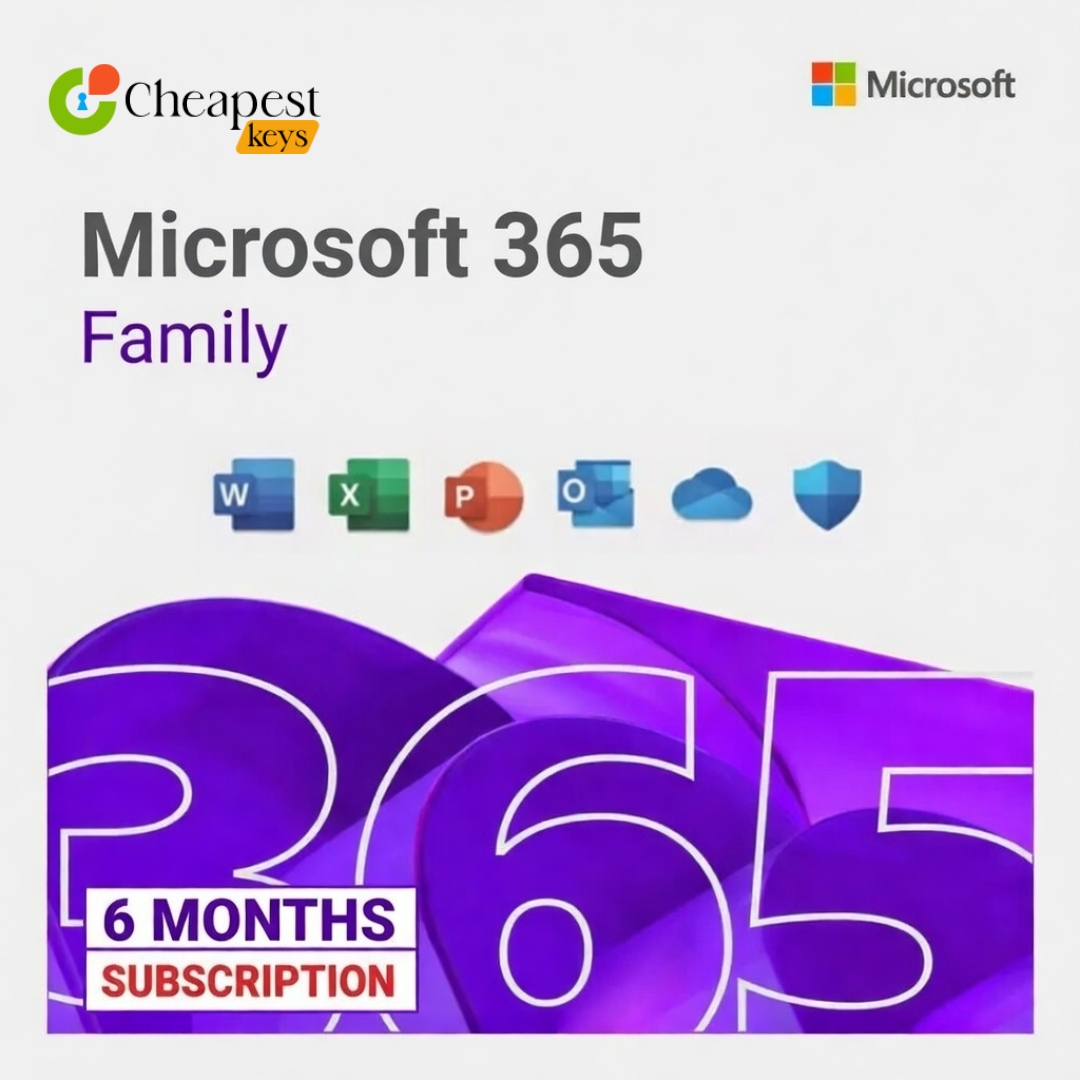
Microsoft Office 365 Family – 6 Months Subscription | Up to 6 Users
Original price was: 79.99$.30.00$Current price is: 30.00$.
Buy Microsoft Office 365 Family – 6 Months Subscription for up to 6 users. Access Word, Excel, PowerPoint, Outlook, Teams, and 1TB OneDrive per user. Instant digital delivery included.
Product Overview of Microsoft Office 365 Family
Get Microsoft Office 365 Family – 6 Months Subscription, perfect for up to 6 users. Enjoy premium apps including Word, Excel, PowerPoint, Outlook, Teams, and 1TB OneDrive cloud storage per user. Compatible with Windows, macOS, iOS, Android, and web browsers. Instant digital delivery ensures you can start working immediately.
Key Features:
-
Authentic Microsoft Office 365 Family License
-
6 Months Subscription for up to 6 Users
-
Access to Microsoft Office apps: Word, Excel, PowerPoint, Outlook, Teams
-
1TB OneDrive Cloud Storage per user
-
Automatic Microsoft Updates
-
Compatible with Windows, macOS, iOS, Android, and Online
-
Secure Online Access and Instant Digital Delivery
Features Details:
-
Product Name: Microsoft Office 365 Family
-
Subscription Duration: 6 Months
-
Number of Users: Up to 6
-
Included Applications: Word, Excel, PowerPoint, Outlook, Teams, OneDrive
-
Cloud Storage: 1TB per user
-
Supported Platforms: Windows, macOS, iOS, Android, Web
-
Updates: Automatic Microsoft Updates
-
Delivery Method: Instant Digital Delivery
System Requirements Microsoft Office 365 Family:
-
Operating System: Windows 10 / Windows 11 / macOS latest version, iOS, Android
-
Processor: 1.6 GHz or faster
-
RAM: Minimum 4 GB recommended
-
Storage: At least 4 GB free disk space per device
-
Internet Connection: Required for login, updates, and OneDrive cloud storage
Delivery Information:
After successful payment, you will receive Office 365 Family license keys and activation instructions instantly via email or dashboard. Start using Microsoft Office apps immediately.
How to Activate:
-
Visit setup.office.com
-
Sign in with your Microsoft Account
-
Enter the Office 365 Family product key
-
Download and install Office applications for each user
-
Begin using Microsoft Office 365 Family instantly
Why Choose Us Microsoft Office 365 Family:
-
Trusted Digital Product Store
-
Competitive Pricing
-
Secure Payment System
-
Instant Digital Delivery
-
24/7 Customer Support
Frequently Asked Questions:
-
How many users can access this subscription? Up to 6 users, each with 1TB OneDrive cloud storage.
-
How long is the subscription valid? Valid for 6 months from activation.
-
Can I install Office 365 Family on multiple devices? Yes, compatible with Windows, macOS, iOS, Android, and online.
-
Which apps are included? Word, Excel, PowerPoint, Outlook, Teams, and 1TB OneDrive per user.
-
How will I receive the license? Instant delivery via email or customer dashboard after purchase.
-
Is this a genuine Microsoft product? Yes, it is a legitimate Microsoft Office 365 Family license.
Related products
Microsoft 365 Business Standard | Key purchase online
 No products with the selected options in stock
If you want to buy this product, please contact us.
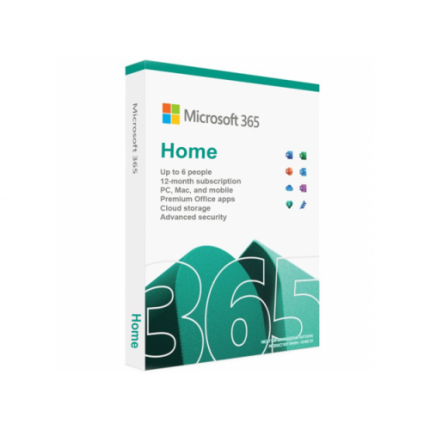
Microsoft 365 Home – PC or Mac Up to 6 Users
No products with the selected options in stock